Which Architectural Visual Does Your Project Need?
A still image, a 3D floor plan, a 360 view and an animation each answer a different question. Here is what each shows, who it suits, and how to choose.
In this article
- Start with the decision, not the format
- The four visuals compared
- 1. Still renders (exterior and interior)
- 2. 3D floor plans
- 3. 360-degree views
- 4. Animation
- A simple way to choose
- Start small, then add
- What affects the price of each
- Frequently asked questions
- Which is cheapest?
- Can I add a 360 view or an animation later?
- How many views do I need?
- What should I send to get a quote?
- Tell us what the viewer has to decide
Architectural visualization is not one product. A still image, a 3D floor plan, a 360 view and an animation each answer a different question. Choose by what you need the viewer to decide, and you will spend less and get a better result.
Start with the decision, not the format
Ask one question first: what does the viewer have to understand or approve? A client approving a facade needs something different from a buyer choosing an apartment, or a planner reading a proposal. The visual should make that one decision easy.
The four visuals compared
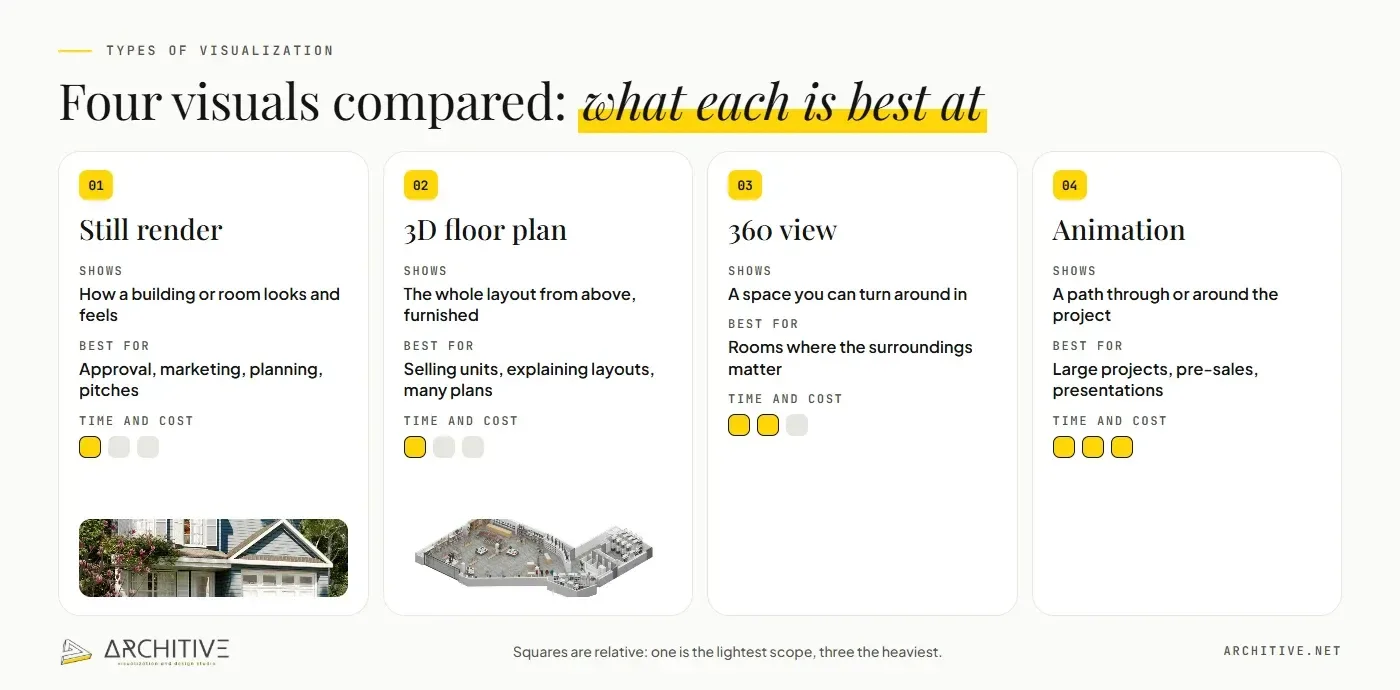
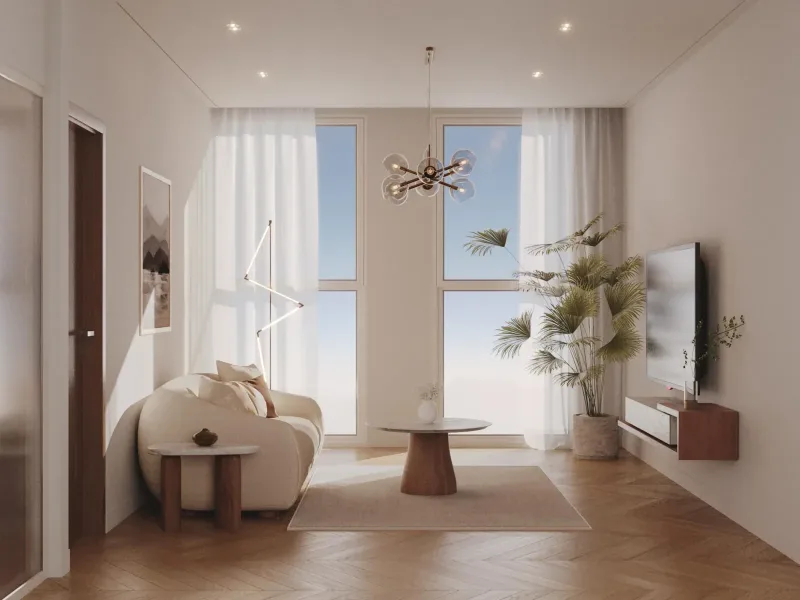
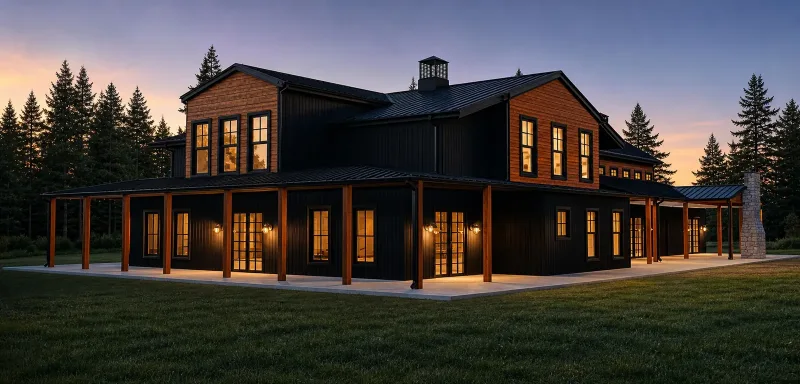
1. Still renders (exterior and interior)
Shows: how a building or a room looks and feels, with real materials and light.
Best for: client approval, marketing, brochures, planning and competitions.
Keep in mind: one image tells one story, so choose the camera carefully. Extra views of the same scene cost less than separate projects. See our guides to exterior and interior visualization.
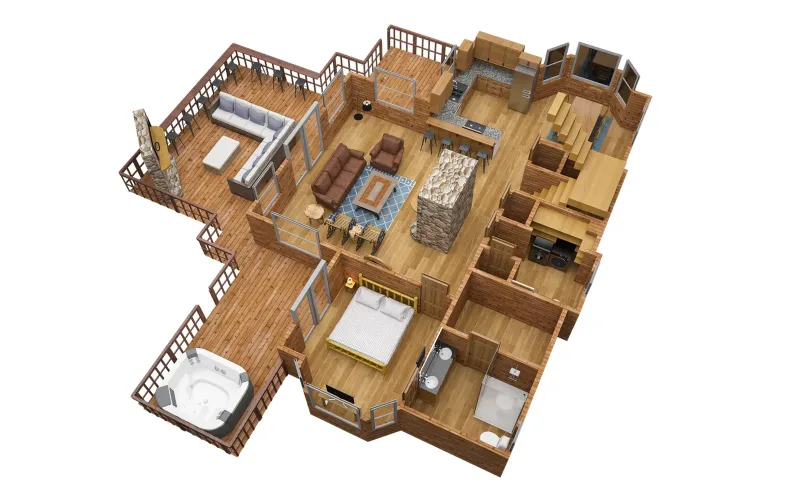
2. 3D floor plans
Shows: the whole layout from above, with furniture, so people see how the space works.
Best for: selling or letting units, explaining a layout, and projects that need many consistent plans.
Keep in mind: it shows layout, not atmosphere. Pair it with one or two stills if mood matters. Read the 3D floor plan guide.
3. 360-degree views
Shows: a space from a fixed point that the viewer can turn around in.
Best for: rooms where the surroundings matter, such as living areas, lobbies and views from a balcony.
Keep in mind: the viewer sees everything, including parts you did not plan to show, so the whole room has to be ready. Scope is agreed per project.
4. Animation
Shows: movement through or around a building, in a set path with a set story.
Best for: large or complex projects, pre-sales campaigns and presentations where the journey matters.
Keep in mind: it takes the most time, and changes after the path is approved are expensive. Scope and length are agreed per project.
A simple way to choose
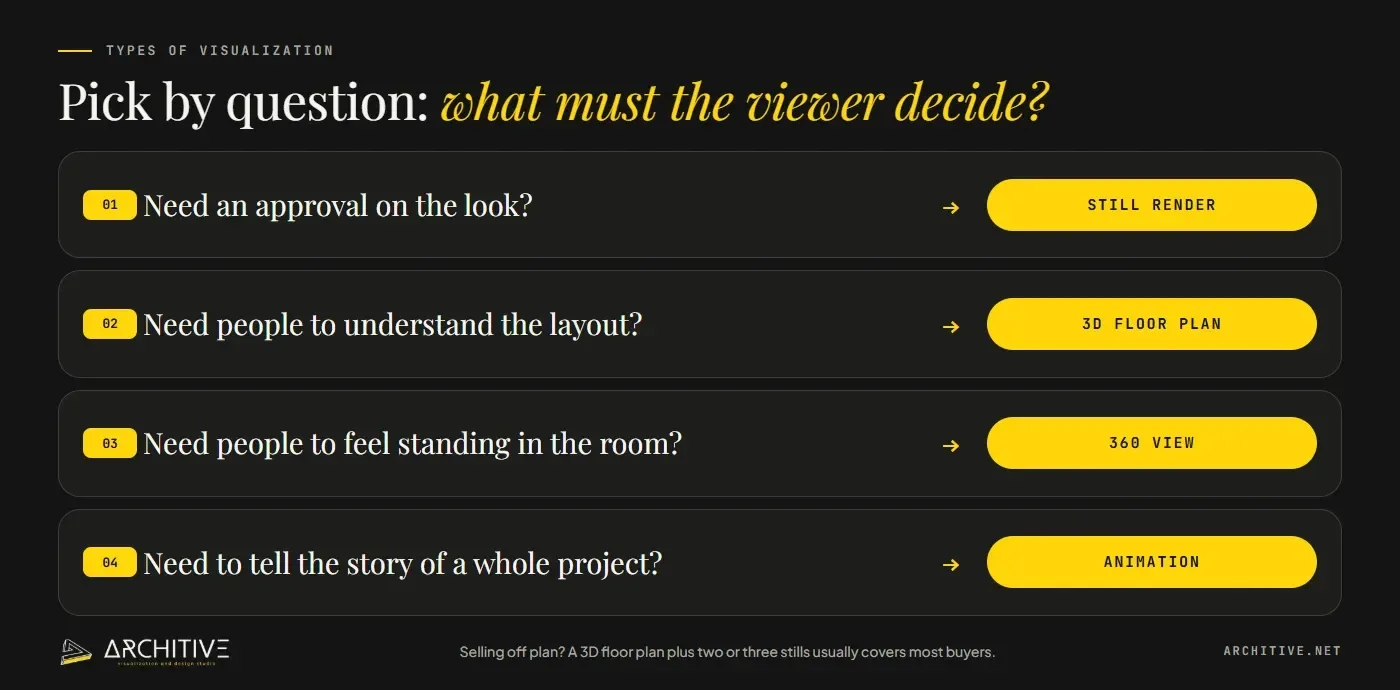
- Need an approval on the look? Still render.
- Need people to understand the layout? 3D floor plan.
- Need people to feel standing in the room? 360 view.
- Need to tell the story of a whole project? Animation.
- Selling off plan? Often a 3D floor plan plus two or three stills covers most buyers at a sensible cost.
Start small, then add
You do not have to commission everything at once. Many projects begin with the images that decide the most, then add more once the design is approved. Stills and floor plans use the same model, so adding a 360 view or an animation later costs less than starting separately.
What affects the price of each
For all four, price follows the scope: the number of views, the detail, the quality of your files, the revision rounds and the deadline. Animation and 360 views add length and rendering time. Our guide to what drives the cost of architectural visualization goes through each factor.
Frequently asked questions
Which is cheapest?
Usually a single still or a single 3D floor plan. Animation costs the most because of the length and rendering time.
Can I add a 360 view or an animation later?
Yes. If the studio built the 3D model, extra visuals reuse it, so they cost less than a separate project.
How many views do I need?
Enough to answer the decisions your viewers face, and no more. One strong image per decision is better than many that repeat.
What should I send to get a quote?
Plans or a model, the use of the images, a reference for the mood, and your deadline. Our briefing guide has the full list.
Tell us what the viewer has to decide
If you are not sure which visual fits, send us a short brief. Tell us the project, who will look at the images, and the deadline, and we will suggest the right mix. See what we produce on the architectural visualization page.